ProRes WASM Encoder
Export high-quality, transparent videos on the web.
This is the first ProRes encoder made for the web. You can encode real QuickTime .mov files and capture <canvas> elements.
It matches (and slightly beats) ffmpeg.wasm in performance at a fraction of the size (280x smaller), supports multi-threaded encoding (achieving up to 3x faster rendering time), and it’s compatible with MediaBunny.
Example
Installation
Install via npm:
npm install prores-wasm-encoderOr
Usage
import { createProResEncoder, ProResProfile, downloadMov } from 'prores-wasm-encoder';

// Create encoder
const encoder = await createProResEncoder();

// Initialize with settings
encoder.initialize({
  width: 1920,
  height: 1080,
  frameRate: 30,
  profile: ProResProfile.HQ,
});

// Encode frames from canvas
const canvas = document.getElementById('myCanvas');
for (let i = 0; i < 100; i++) {
  drawFrame(canvas, i);  // Your rendering code
  encoder.addFrameFromCanvas(canvas);
}

// Download the .mov file
const movData = encoder.finalize();
downloadMov(movData, 'my-video.mov');

// Clean up
encoder.destroy();
For complete API documentation, see the GitHub repository.
The story
I’m a motion designer and creative developer working in branding. I often build web-based tools, and I kept running into the same wall: there was no good way to export transparent, high quality video directly from the web. Everything I built needed, either ffmpeg.wasm (large payload), a server with FFmpeg, or a round-trip through desktop software just to get an alpha-capable master out of a canvas.
When I read this article by Lee Robison about Building low-level software with only coding agents, I decided to try build something I’ve been thinking for a while but couldn’t do due to lack of low-level technical knowledge: a web-native ProRes Encoder.
So I built this for my own custom tools. It’s a port of FFmpeg’s prores_ks to WebAssembly.
I’m not a C developer, and this started as an experiment to see how far I could push a browser-native ProRes encoder. Despite being built almost entirely with AI-assisted tools, it ended up working surprisingly well, matching FFmpeg’s output closely enough that I decided to polish it into a proper library.
Design Case Study
As soon as I had a working MVP of the encoder, I started thinking about how to show it and present it to the world. This is a development project, but I’m a designer after all.
This has been the most difficult part of the project. An empty canvas is always challenging, so I decided to make something I wanted and liked.
I remember seeing Kawaratsuki’s Kawaii logos years ago and wanting to make my own. This project was the perfect excuse, so I commissioned one from Detetiive, a lettering artist whose logos I love. Some people dislike it, and others have said it has nothing to do with “my style” or what I usually post on Instagram. But I love it.
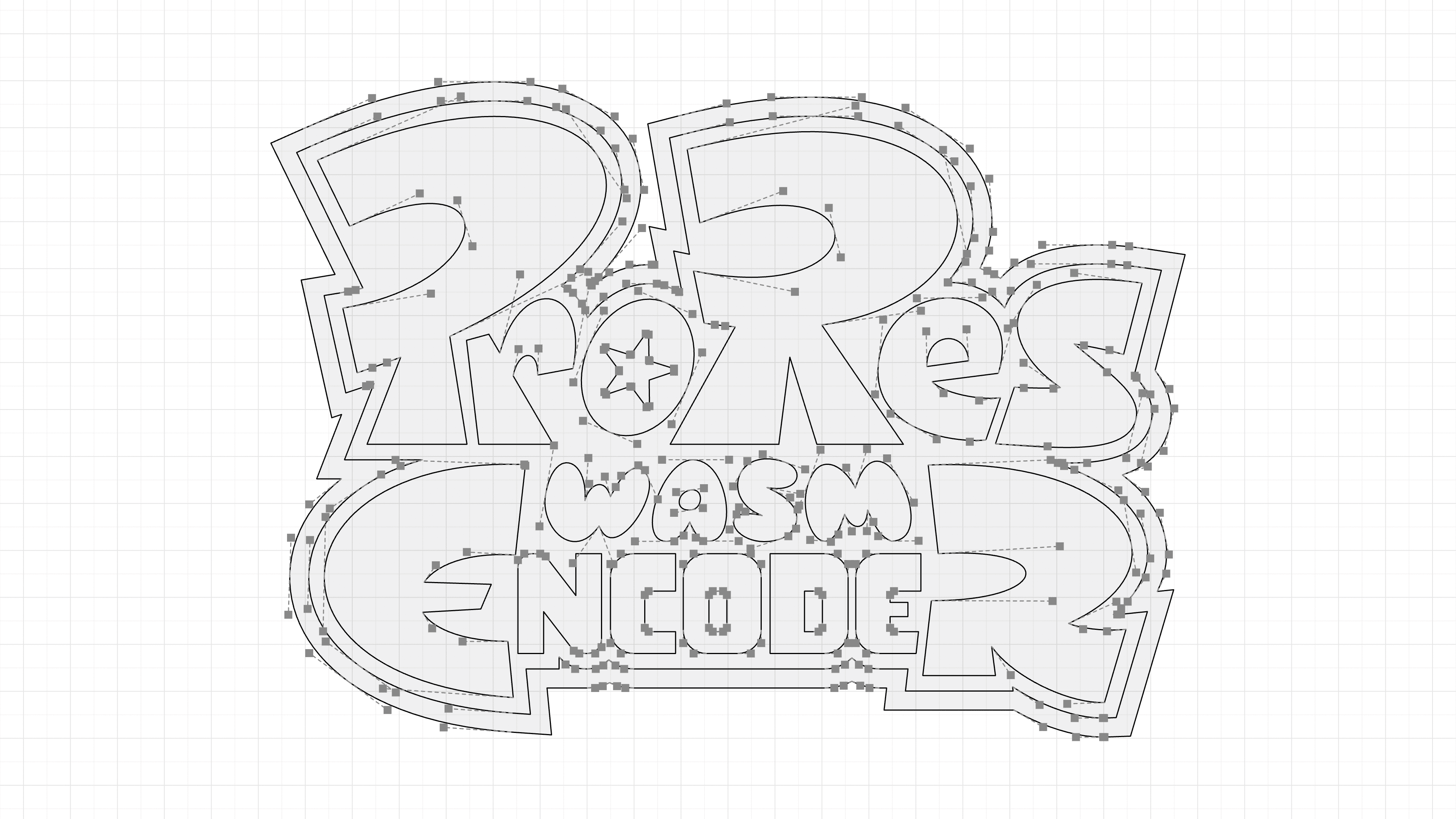
One of the library’s strongest selling points is its ability to export transparent videos, so it made sense to use a checkered grid in the background. It worked as a nice backdrop, but it didn’t feel bold enough at full screen. I accidentally applied a rounding effect and loved it. Suddenly, the design felt much more visually powerful, while echoing the rounded “WASM” in the logo. For the rest of the assets I used a beautiful rounded sans from SourceType with the rounding effect on transitions.
Video Export Skill
I put together a custom skill that I use whenever I need to export video from my tools. It brings together the best practices I’ve found for getting the highest-quality results. Now it’s yours too.
npx skills add https://github.com/OlivierEstevez/oli-skills --skill export-videoCredits
- Logo Design Detetiive
- Video Sound Design Bruno / @tvnxty
- Typography Karl by SourceType